
Change one figure: the FediPilot workpaper recalculates
Fedix Shorts - 29 seconds - published 25 October 2026
What happens in the FediPilot workpaper when one figure changes?
Every figure in the workpaper shows its return label and its source document. Change one figure, such as an extra council rates payment, and the schedule total, taxable income and the tax estimate recalculate straight away. Click any figure and the original document opens beside it. The accountant decides what changes, before anything goes into a return.
Transcript
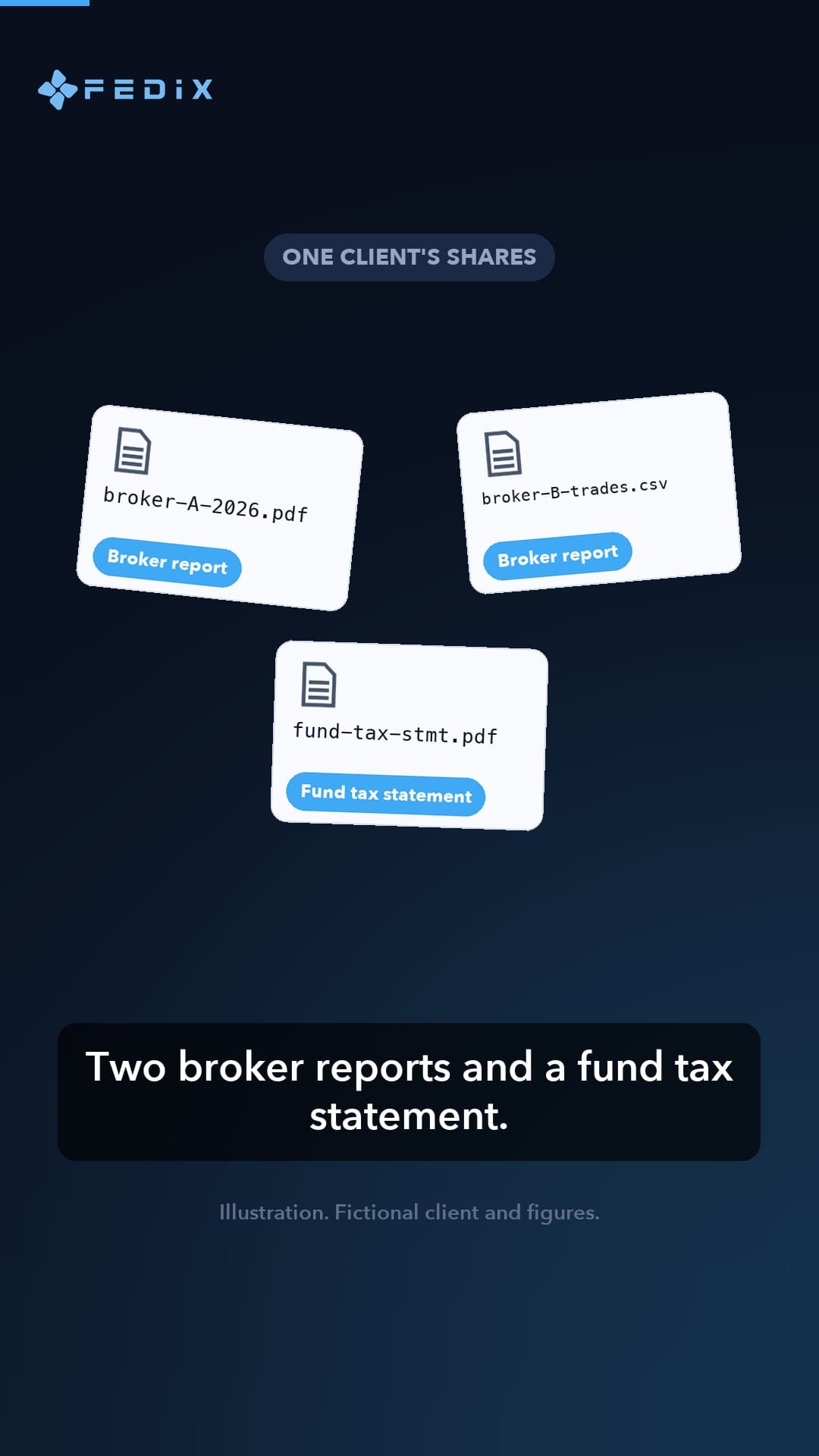
Your client remembers one more rates payment. The workpaper shows every figure, its return label and its source document. You change that one figure. The schedule total, taxable income and the tax estimate recalculate straight away. Click any figure, and the original document opens beside it. You decide what changes, before anything goes into a return. Try it free at home dot fedix dot ai.
The clients, names and files shown in the video are fictional. FediPilot prepares the work; the accountant reviews it.
Sources
- Fedix home page: The 14-day free trial offer and "Nothing is lodged without your approval."
- FediPilot: Click a number in the workpaper to open the original document it came from.
- FediPilot workpapers: Every figure in the workpaper has its tax return label and the source document behind it. You decide which figures change and why, and you compare them with the original documents before anything goes into a return.
Last reviewed 25 October 2026.